
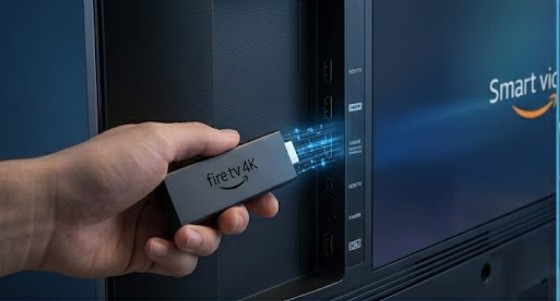
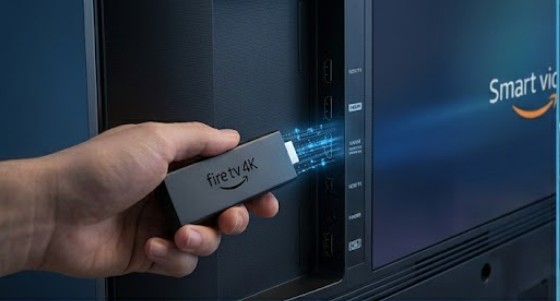
Discover the definitive blueprint to configure your high-performance BritainIPTV streaming channels layout directly on any Amazon Fire TV Stick device with zero buffer latency.
The Amazon Firestick stands out as one of the most efficient, hardware-accelerated media setups for accessing modern digital stream networks. By configuring your premium United Kingdom IPTV subscription access pass on an Amazon streaming layout, you instantly unlock an entertainment matrix featuring over 23,000 live feeds and 160,000+ VOD box sets.
Because dedicated IPTV applications are processed outside the native Amazon Appstore framework, deployment requires a clean structural configuration using secure download bridges. Follow this step-by-step technical guide to establish an optimized link to our high-availability caching pipelines in less than five minutes.
Step 1: Prepare Your Firestick System Parameters
Before launching custom setup components, you must grant your streaming hardware permission to execute installation packages:
- Navigate to the Firestick Settings dashboard (the gear icon positioned on the right of the home screen layout).
- Scroll down and select the My Fire TV node icon.
- Click on Developer Options. (Note: If Developer Options are hidden, navigate to “About”, select your exact Fire TV Stick device name, and click it rapidly 7 times until a system message says “You are now a developer.”)
- Locate Apps from Unknown Sources and switch its toggle parameter to ON.
Step 2: Install the Secure Downloader Pipeline
- Return to the main home interface and click on the Find / Search input node.
- Type Downloader into the query layout and select the official application (represented by an orange icon).
- Click Get or Download to pull the installation package from the Amazon server array.
- Open the Downloader app and click Allow when prompted for storage access permissions.
Step 3: Deploy Your Premium IPTV Media Interface
With your environment prepared, you can now fetch an optimized media engine interface like IPTV Smarters Pro or XCipTV:
- Activate the input line box inside the Downloader application app.
- Enter the direct download address link for your preferred player suite, then click Go.
- Wait for the tracking stream to cache the installation bundle. When the prompt appears, click Install.
- Once installed, click Done, then click Delete twice on the trailing prompt to remove the installer package, saving system storage memory.
Step 4: Sync Your BritainIPTV Access Credentials
To lock onto your custom high-availability data stream, input your account details into the player interface:
- Launch the newly installed player from your Firestick apps library list.
- Select the login routing matrix labeled Login with Xtream Codes API.
- Provide your assigned parameters exactly as sent to your registration dashboard:
- Any Name: BritainIPTV Premium
- Username: [Your assigned login string]
- Password: [Your secure account pass]
- Portal URL: [Our ultra-stable server address link]
- Click the Add User / Login matrix button. Your system will immediately compile the streaming database table for clean, uninterrupted viewing.