
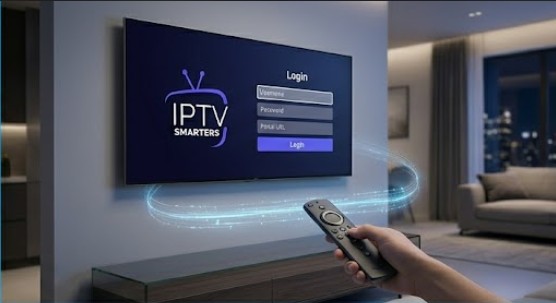
An advanced integration manual for initializing and optimizing the IPTV Smarters Pro app engine using high-uptime United Kingdom IPTV subscription pipelines.
IPTV Smarters Pro (also distributed as Smarters Player Lite on specific app stores) is a premium, cross-compatible streaming dashboard engine. It is engineered to map live digital entertainment arrays smoothly, handling custom EPG grid structures, video-on-demand category sorting, and automated aspect ratio tuning seamlessly.
When paired with the optimized network structures of BritainIPTV, this media management tool provides an unmatched home viewing experience. This manual outlines how to configure the application layer correctly across any Android, iOS, or desktop environment.
1. Download the App via Your Native App Repository
Locate and deploy the core interface file asset matching your primary operating environment:
- Android Systems: Search for “IPTV Smarters Pro” directly inside the Google Play Store or extract the verified installation package manually.
- Apple iOS / macOS: Open the official Apple App Store and download the verified Smarters Player Lite package.
- Windows & PC Layouts: Fetch the dedicated desktop client executable utility directly from your registration management dashboard.
2. Initialize the Account Connection Matrix
Launch the application and accept the structural terms of service rules. You will see multiple connection methods. To ensure your lists auto-update correctly, select the Xtream Codes API option over simple playlist links.
Enter Your Subscription Parameter Lines:
- Playlist Title:
BritainIPTV Core Engine - Username Field: Input the unique alphanumeric user profile key assigned to your membership line.
- Password Field: Enter your secure account authentication passcode string.
- Server Portal Address: Paste the precise high-speed delivery server path provided by our support technicians.
3. Sync the Digital Content Database Tables
Click the Add User action node button. The software will connect to our streaming clusters to download your personalized channel index. On the main dashboard interface layout, click on the three database buttons:
Download Live TV
Download Movies
Download Series
This initial data load caches television categories, sorting over 25,000 live streams and extensive VOD catalogs directly into the application’s memory for instant channel switching.